
Build ABA programs. Run them on a tablet.
Read what the video shows
- Title: From your desk to their tablet.
- Build a program at your desk. In the portal, a BCBA picks a lesson type and adds three targets to a new program.
- Send it to your learners' tablets. The BCBA sends the program to two learners.
- The RBT opens the tablet. It is there. On the tablet, the RBT taps Start and the first trial appears.
- The learner answers. The tablet records it. The learner taps the matching picture. It turns green and the next trial starts.
- A wrong answer? The right one is marked. The learner taps a wrong picture. The right picture is marked in green, the wrong one is removed, and the learner tries again.
- Spoken answers: the RBT scores each trial. In Instructor Mode the RBT taps Correct to score a spoken answer.
- After the lesson, a timed break. The lesson ends and the reward break screen appears.
- See progress from your desk. Back in the portal, the learner's page shows progress by session and which targets are mastered.
- Start free. 14 days, no card.
BCBAs build DTT programs at their desk and send them to RBT tablets. Every trial is recorded. For ABA clinics, schools and solo BCBAs.
14 days free, no credit card.
Already a customer? Sign in. Are you an RBT? You don't need an account. Your BCBA sets up your tablet.
How it works
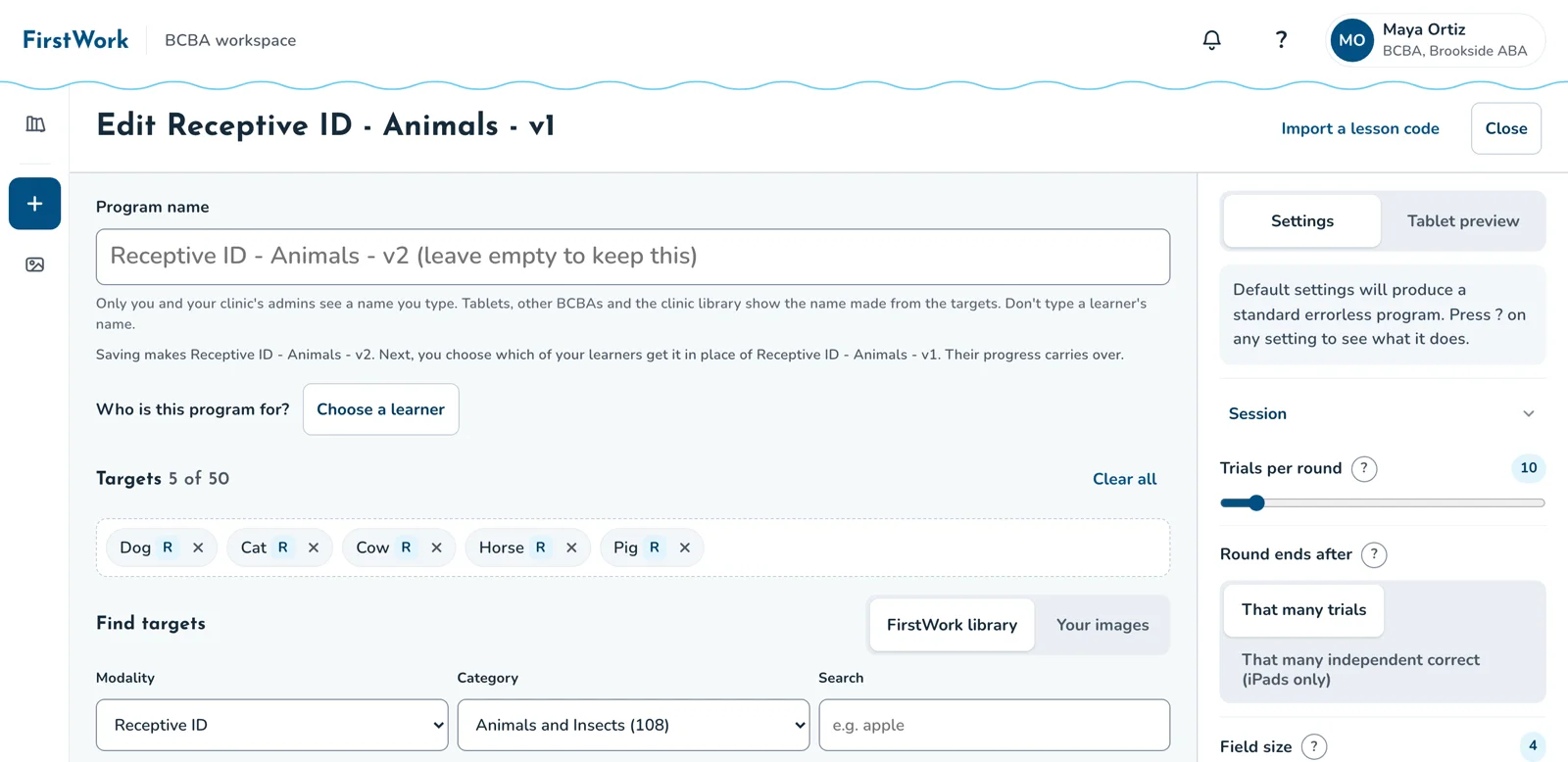
Build the program at your desk
Pick a lesson type, add targets, and set the field size, prompts and error correction. Choose from 17 lesson types and 10,000+ images.
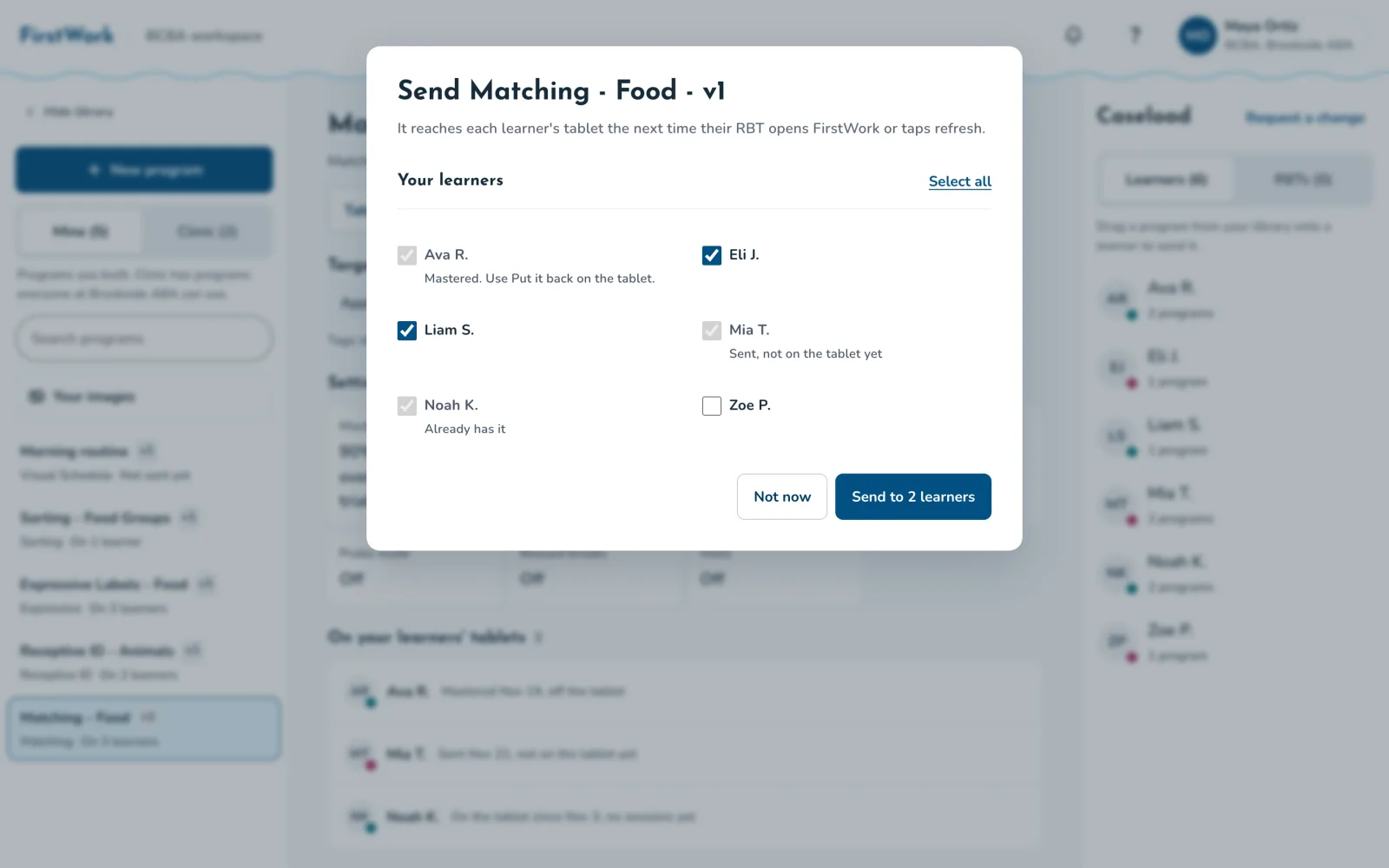
Send it to your RBTs' tablets
Each tablet is linked to your clinic with an org code. RBTs never need a login. They open the tablet and the program is there.
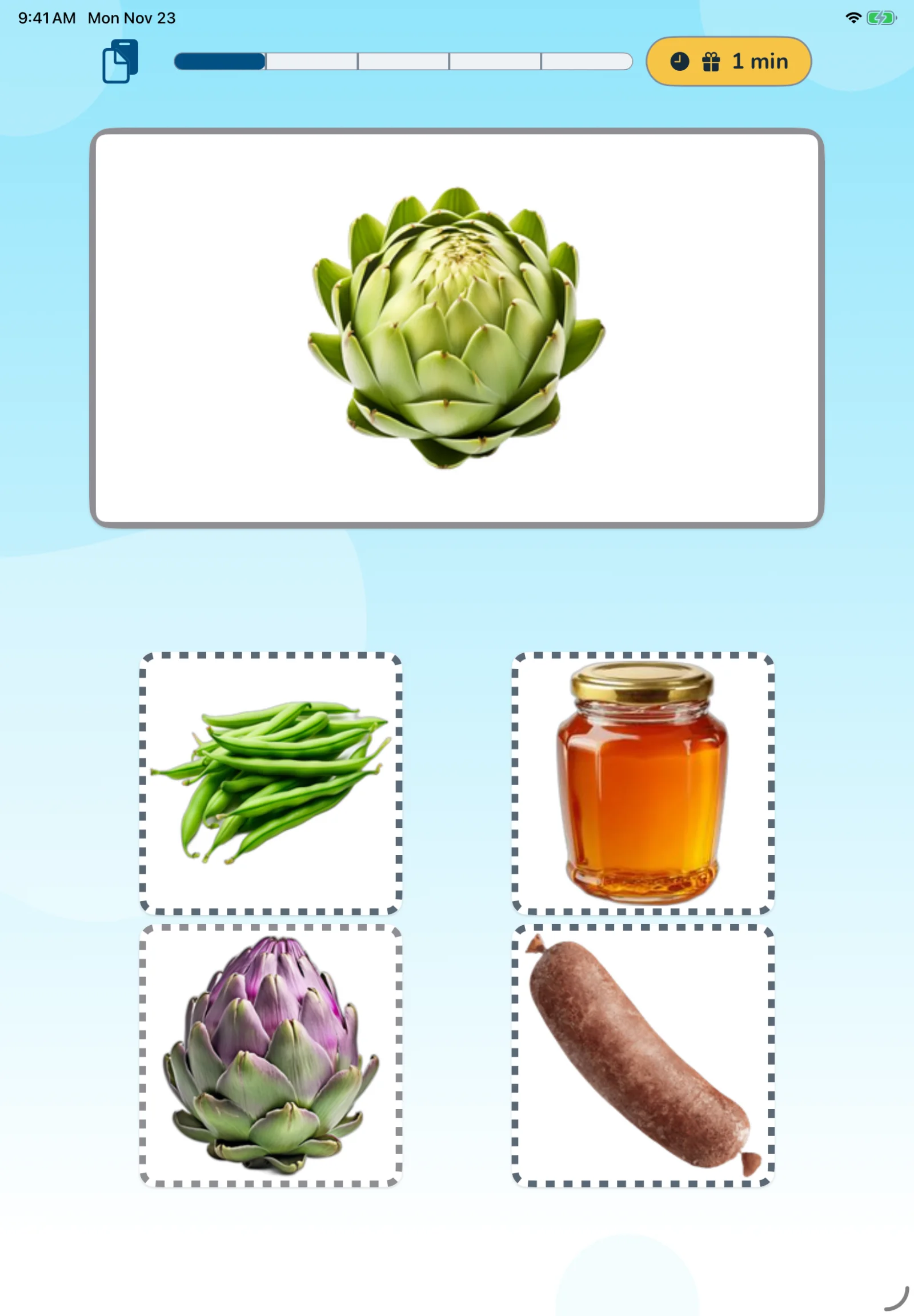
Run the session. The data records itself.
The tablet presents each trial and records it as correct, prompted or incorrect. No clipboards, no tally marks, nothing to type in afterwards.
Built the way you teach
You set the teaching procedure once. The tablet follows it the same way on every trial, with every RBT.
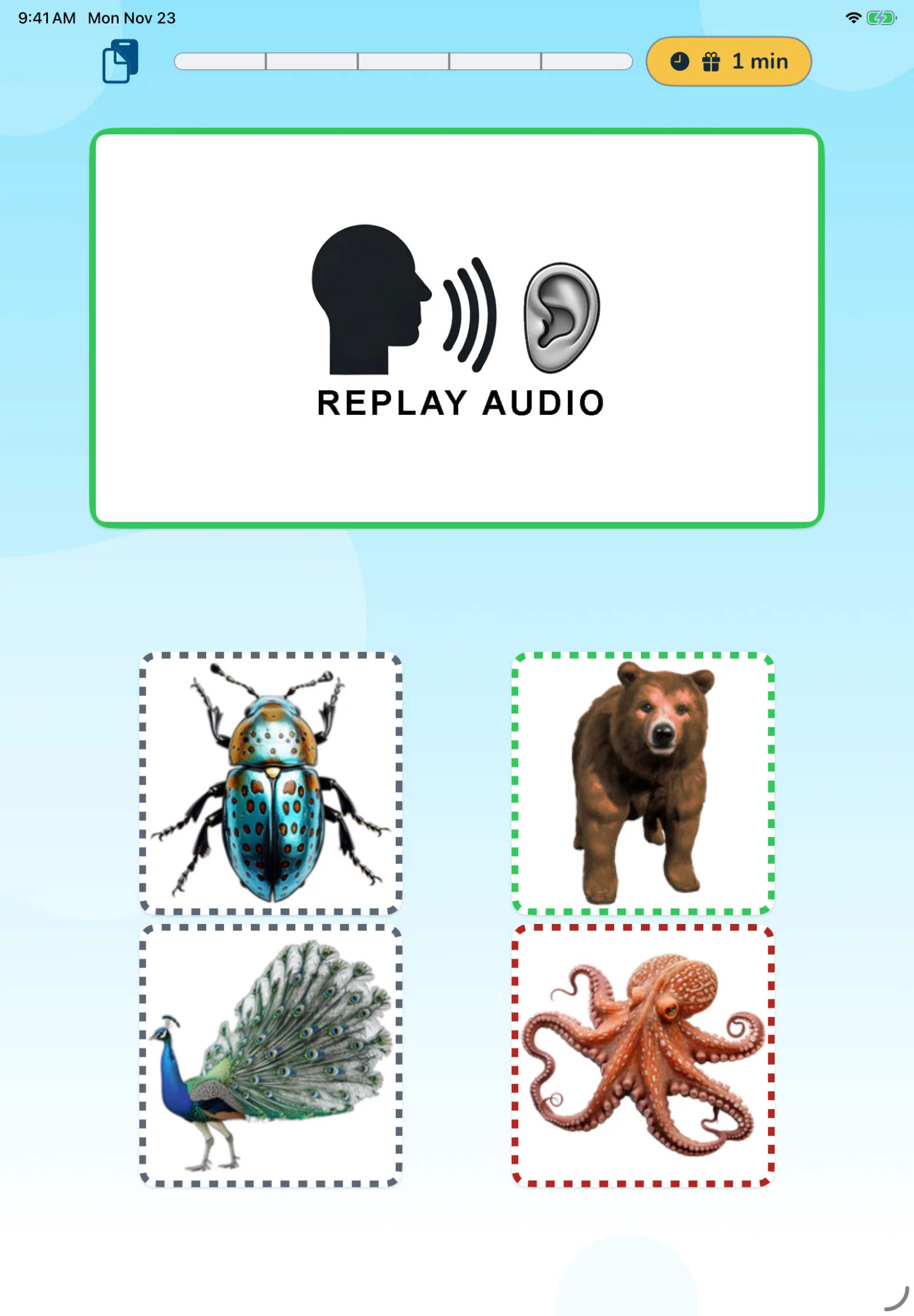
Error correction
A wrong answer? The right one is marked, the same way every time.
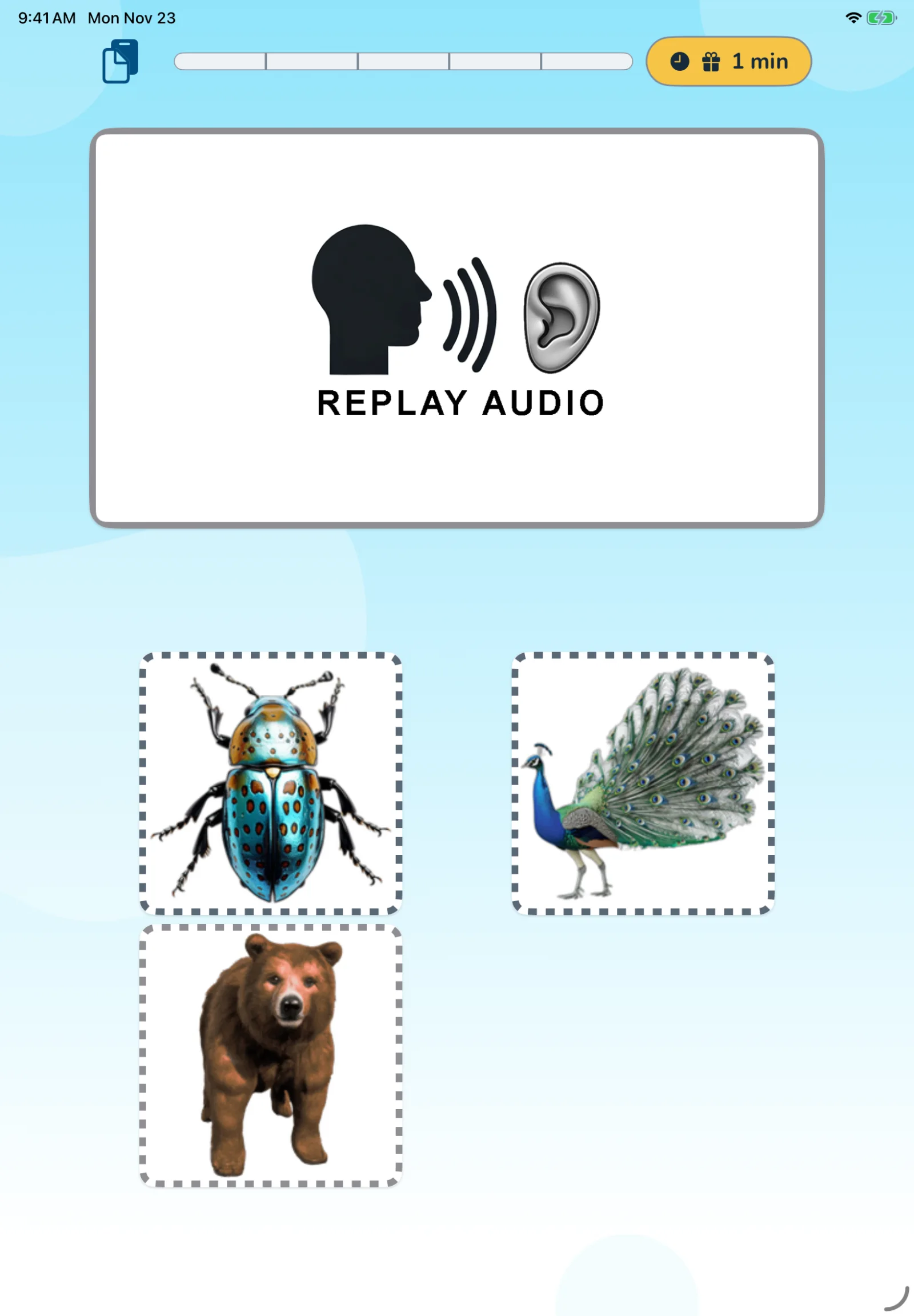
Field reduction
Wrong choices drop away and guide the learner to the answer.
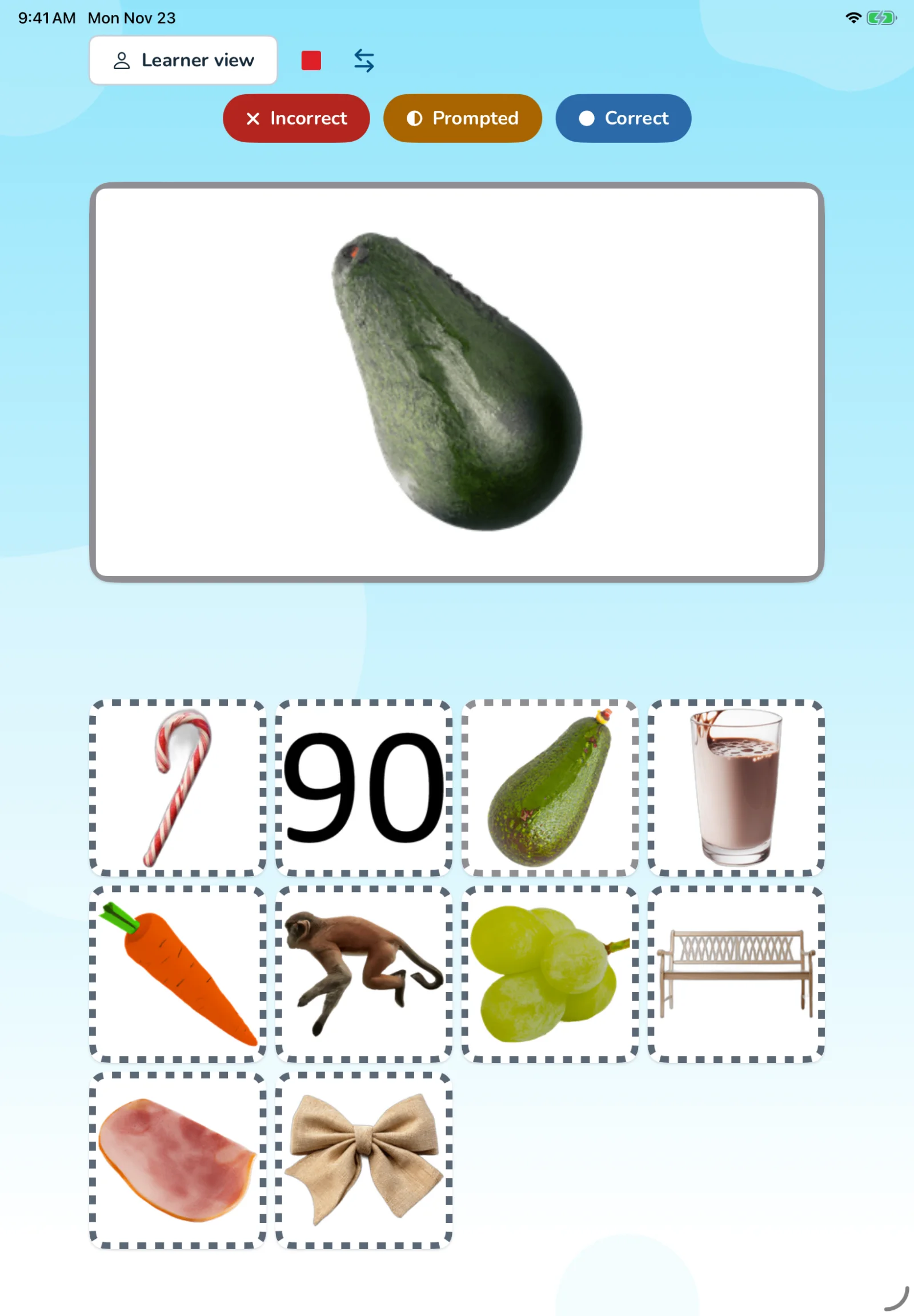
Instructor Mode
For spoken answers, the RBT scores each trial.
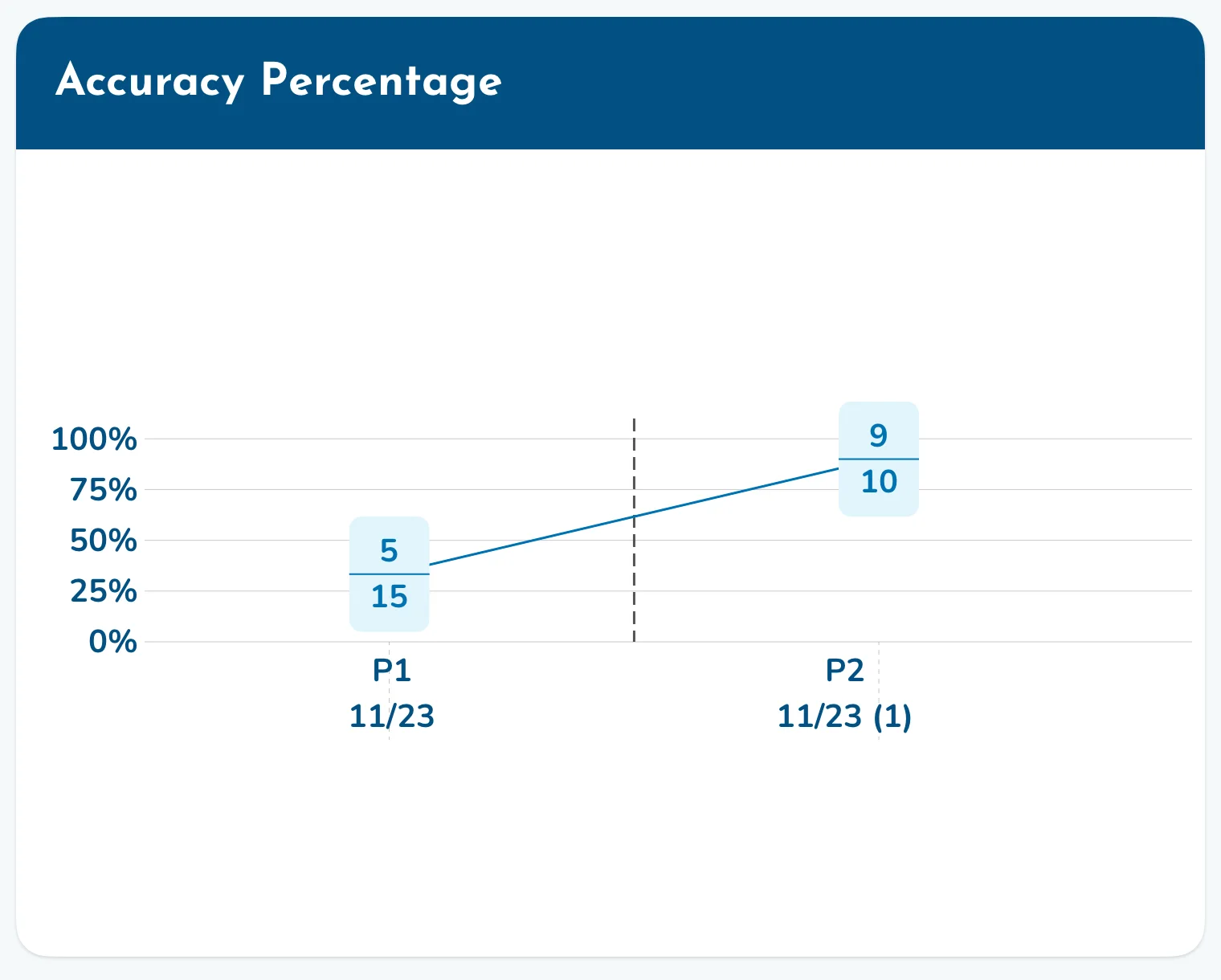
Charts that explain themselves
The chart marks when a setting changed, so you know why the data moved.
Sample lessons and sample data.
Work first, then a break
Between lessons, the learner earns a timed break in the apps you choose. When the timer ends, the next lesson starts. You decide how long the break is and which apps are allowed.
Who uses FirstWork
ABA clinics
One library for the whole practice. Every BCBA builds, every RBT tablet runs the same program.
Schools
For special education classrooms. Schools use codenames, not student names.
See what clinics and schools report: Testimonials and Research.